
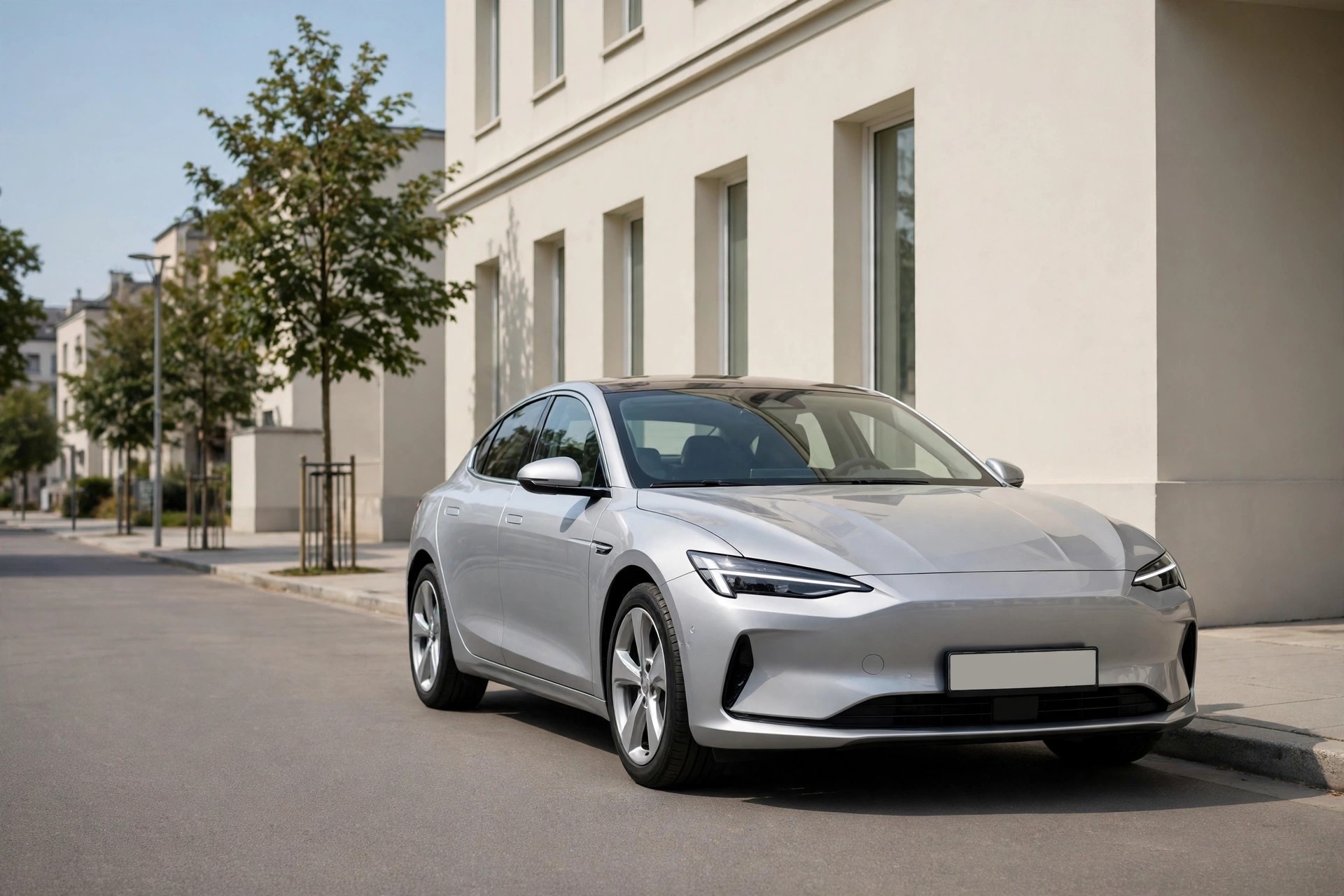
Punjab MTMIS Vehicle Verification & E-Challan 2026 — Easy Step-by-Step Guide to Check Your Car, Bike & Challan
This is not an official Punjab Excise website. This guide is independent, general information about Punjab MTMIS vehicle verification. For official information, always check the MTMIS portal at mtmis.excise.punjab.gov.pk before you act on anything here.
What Is Punjab MTMIS Vehicle Verification?
Punjab MTMIS vehicle verification is the official way to check a vehicle’s record in Punjab — who owns it, what its registration number is, whether its token tax is paid, and whether it has any challans against it. MTMIS stands for Motor Transport Management Information System, and it is the Punjab Excise, Taxation and Narcotics Control Department’s system for every registered vehicle in the province. You enter the vehicle’s registration number, and the system shows you the record.
The first thing to understand about Punjab MTMIS vehicle verification is why it matters. A vehicle’s record is the only reliable proof of who owns it and whether it is clear. A seller can tell you anything — that the token tax is paid, that there is no challan, that the vehicle is in his name — but the MTMIS record is the truth.
Before you buy a used car or bike in Punjab, check it on MTMIS. Before you pay a token tax, check the record. Before you drive a vehicle you have just bought, check that the transfer is complete. The check is free, it takes a minute, and it can save you from buying a vehicle that is not what the seller claims.
The second thing to understand is that the portal moved. The old MTMIS address, mtmis.punjab.gov.pk, did not open in a check on 14 September 2026. The current portal is mtmis.excise.punjab.gov.pk — use that address, and type it yourself. Do not follow a link from a message, because fake vehicle-verification pages exist and they collect registration numbers and personal details.
Example — the buyer checking a used car: A man in Lahore is buying a used car for Rs 12 lakh. Before paying, he checks the registration number on the MTMIS portal. The record shows the car is registered in someone else’s name — not the seller’s — and the token tax is unpaid for two years. He does not buy the car until the seller transfers it and clears the tax.
Example — the owner checking a challan: A woman in Rawalpindi receives no challan notice, but her neighbour tells her an e-challan was issued for her car. She checks the e-challan portal and finds a challan for a red-light violation she did not know about. She pays it before the fine grows, and checks the MTMIS record to confirm the token tax is paid.
What Punjab MTMIS Vehicle Verification Shows
Punjab MTMIS vehicle verification shows the vehicle’s record as the Excise Department holds it. The table below lists what you can expect to see, and what each field means.
| Field | What it means |
|---|---|
| Registration number | The vehicle’s number plate, as registered |
| Owner name | The person the vehicle is registered to |
| Vehicle make and model | The car or bike, as registered |
| Engine number and chassis number | The vehicle’s identity numbers |
| Registration date | When the vehicle was first registered |
| Token tax status | Whether the token tax is paid and up to when |
| Colour and body type | The vehicle’s colour and type, as registered |
The most important field is the owner name. If you are buying a vehicle and the owner name on MTMIS is not the seller’s name, the seller does not own the vehicle on paper — and you cannot buy it from him until he transfers it. The second most important field is the token tax status. An unpaid token tax is a debt that follows the vehicle, and it becomes yours when you buy it. Check both before you pay.
The MTMIS record does not show whether the vehicle has been in an accident, whether it has a loan against it, or whether it is stolen — those are separate checks. It shows the Excise record: ownership, registration and token tax. For a stolen-vehicle check, the police record is the place to look.
How to Do Punjab MTMIS Vehicle Verification — Step by Step
Punjab MTMIS vehicle verification is free and takes a minute. The steps below follow the portal route.
Step 1: Open the MTMIS Portal
Go to mtmis.excise.punjab.gov.pk, the current MTMIS portal. Type the address yourself — the old address mtmis.punjab.gov.pk did not open in a check on 14 September 2026, so do not use it. The real portal is a .gov.pk address.
Step 2: Enter the Registration Number and Registration Date
Enter the vehicle’s registration number — the number plate — and the registration date, and complete the captcha. The registration date is on the vehicle’s registration book, or on the old MTMIS record, or ask the seller for it. The captcha is there to stop automated searches, so complete it carefully — it is case-sensitive.
Step 3: Read the Record
The portal shows the vehicle’s record: the owner name, the make and model, the engine and chassis numbers, the registration date, and the token tax status. Check the owner name against the seller’s CNIC, and check the engine and chassis numbers against the numbers stamped on the vehicle. If any of them do not match, stop — the vehicle is not what the seller claims.
Step 4: Check the Token Tax and the E-Challan
If the token tax is unpaid, note the amount — it is part of the cost of buying the vehicle. Check the e-challan separately on the e-challan portal at echallan.psca.gop.pk, because the MTMIS record does not always show challans. Pay the token tax through ePay Punjab or at the Excise office, and keep the receipt.
E-Challan — How to Check and Pay
An e-challan is a traffic fine issued automatically by cameras — for a red light, for speeding, for a wrong lane — and it is recorded against the vehicle’s registration number. You may never receive a paper notice, so checking the e-challan portal is the only way to know one exists. An unpaid e-challan grows with time, and it can block the vehicle’s transfer or its token tax renewal.
Check your e-challan on the Punjab Safe Cities Authority portal at echallan.psca.gop.pk, using the vehicle’s registration number. The portal shows the challan, the violation, the date, and the amount. Pay it through the portal’s payment route or at the designated bank, and keep the receipt — the payment is recorded against the registration number, and it clears the challan from the record.
The SMS route for e-challans — sending the registration number to 8785 — is reported, but it was not confirmed working in a check in September 2026. Do not rely on the SMS alone. Check the portal directly, because the portal is the record, and the SMS is only a notification that may or may not arrive.
Token Tax — What It Costs and How to Pay
Token tax is the annual tax on a vehicle in Punjab, paid to the Excise Department. The amount depends on the vehicle’s engine capacity and its age, and it is shown on the MTMIS record. Pay it through ePay Punjab, the Punjab government’s payment app, or at the Excise office. Keep the receipt — the token tax receipt is the proof that the tax is paid, and it is needed for the vehicle’s transfer and for its annual renewal.
A vehicle whose token tax is unpaid cannot be transferred, and its registration can be blocked. When you buy a used vehicle, the unpaid token tax is part of the price — either the seller pays it before the sale, or you pay it after, but someone pays it. Check the MTMIS record before you agree the price, so the unpaid tax is not a surprise after you have paid.
Common Problems — and What to Do
The Portal Does Not Open or Shows an Error
If mtmis.excise.punjab.gov.pk does not open, check the address first — the old mtmis.punjab.gov.pk address does not work, and a typo in the address is the most common cause. Try a different browser or a different network. If the portal still does not open, the Excise helpline is 1035 — call it and ask whether the portal is down. Do not use a third-party “vehicle verification” website that asks for your CNIC or a fee — the official check is free, and a third-party site is collecting your details.
The Owner Name on MTMIS Is Not the Seller’s Name
If the owner name on MTMIS is not the seller, do not buy the vehicle until the seller transfers it into his own name. A seller who is not the registered owner cannot legally sell the vehicle — the transfer must go through the registered owner. Ask the seller to complete the transfer first, then check MTMIS again, and only then pay. A vehicle bought from a non-owner is a vehicle you cannot register in your name.
The Engine or Chassis Number Does Not Match
If the engine number or the chassis number on MTMIS does not match the numbers on the vehicle, stop. A mismatch means the vehicle’s identity has been altered — the engine may have been changed without updating the record, or the vehicle may be a different vehicle wearing this registration. Do not buy it, and do not pay for it. Take the vehicle to the Excise office for an inspection before you decide anything.
You Have an E-Challan You Did Not Know About
If you find an e-challan on the portal that you did not know about, pay it — the fine grows with time, and it can block the transfer or the token tax. If the challan is for a violation you did not commit — the vehicle was sold, or the number plate was misread — you can challenge it through the Safe Cities Authority’s process on the e-challan portal. Keep the evidence: the sale agreement, the transfer record, or the photograph from the challan itself, which may show a different vehicle.
Punjab MTMIS Vehicle Verification — Before You Buy a Used Vehicle
Punjab MTMIS vehicle verification is the most important step before you buy a used vehicle, and it should happen before you pay a single rupee. Start with the registration number: ask the seller for it, and check it on mtmis.excise.punjab.gov.pk before you even go to see the vehicle. If the record shows a different owner, a different model, or an unpaid token tax, you already know the deal has a problem — and you can ask the seller about it before you travel.
When you see the vehicle, check the numbers. Punjab MTMIS vehicle verification shows the engine number and the chassis number, and both are stamped on the vehicle itself — the engine number on the engine, the chassis number on the body. Compare them with the portal record, digit by digit. A single different digit means the vehicle is not the one on the record, and you should stop. Sellers sometimes explain a mismatch as a “typing mistake” — do not accept that. A typing mistake is fixed at the Excise office before the sale, not after you have paid.
Check the token tax next. Punjab MTMIS vehicle verification shows whether the token tax is paid and up to when, and an unpaid token tax is a debt that follows the vehicle. If the tax is unpaid for two years, that amount is part of the price — either the seller pays it before the sale, or you pay it after, but someone pays it. Agree in writing who pays it, before you pay for the vehicle, so the argument does not happen later.
Check the e-challan too, on echallan.psca.gop.pk, because Punjab MTMIS vehicle verification does not always show challans. An unpaid e-challan can block the transfer, and the fine grows with time. If there is a challan, ask the seller to pay it before the sale, and check the portal again after he pays — a paid challan should disappear from the record.
Finally, check the seller. Punjab MTMIS vehicle verification shows the owner name — and the owner name must match the seller’s CNIC. If it does not, the seller is not the owner, and he cannot sell you the vehicle. Ask him to transfer it into his own name first, then check the portal again, and only then pay. A vehicle bought from a non-owner is a vehicle you cannot register, and the money you paid is very hard to get back.
Punjab MTMIS Vehicle Verification — After You Buy
Punjab MTMIS vehicle verification does not end when you pay — the transfer is the step that makes the vehicle yours. After you buy, go to the Excise office with the seller, your CNIC, the registration book, and the sale documents, and transfer the vehicle into your name. The transfer is the legal change of ownership, and until it is done, the vehicle is still registered to the seller — and any challan, any fine, any liability that arises is recorded against his name, not yours, while the vehicle is in your hands.
After the transfer, check the portal again. Punjab MTMIS vehicle verification should now show your name as the owner, and the token tax should show as paid up to the current period. If your name does not appear, go back to the Excise office with the transfer receipt and ask for the record to be corrected. Do not drive the vehicle for months on the seller’s registration — if the seller reports it stolen, or if a challan is issued, you will have no proof that the vehicle is yours.
Pay the token tax on time every year, and check the e-challan portal every few months, even if you have received no notice. Punjab MTMIS vehicle verification and the e-challan check together take five minutes, and they are the habit that keeps a vehicle clean: a paid token tax, no unpaid challans, and a record that shows your name. A clean record is also what the next buyer will check when you sell the vehicle — and a clean record sells faster and for more money than a record with unpaid tax and challans.
If you need to renew your driving licence for the vehicle you have just bought, our guide to the Punjab driving licence renewal online explains that process, and the same rule applies there: check the record first, pay only through the official route, and keep the receipt.
Your Punjab MTMIS Vehicle Verification Checklist
- I know the current portal is mtmis.excise.punjab.gov.pk — the old mtmis.punjab.gov.pk does not work.
- I have the registration number and the registration date before I check.
- I will check the owner name against the seller’s CNIC before I pay for a used vehicle.
- I will check the engine and chassis numbers against the vehicle itself.
- I will check the token tax status — an unpaid token tax follows the vehicle.
- I will check the e-challan separately at echallan.psca.gop.pk — MTMIS does not always show it.
- I know the Excise helpline is 1035, and the e-challan portal is echallan.psca.gop.pk.
- I will not use a third-party verification site that asks for a fee or my CNIC.
Common Questions
What is Punjab MTMIS vehicle verification? Punjab MTMIS vehicle verification is the official check of a vehicle’s record in Punjab — the owner name, the registration, the engine and chassis numbers, and the token tax status — on the Excise Department’s MTMIS portal at mtmis.excise.punjab.gov.pk. It is free.
What is the MTMIS portal address? The current portal is mtmis.excise.punjab.gov.pk. The old address, mtmis.punjab.gov.pk, did not open in a check on 14 September 2026 — do not use it.
How do I check a vehicle on MTMIS? Open mtmis.excise.punjab.gov.pk, enter the registration number and the registration date, complete the captcha, and read the record. Check the owner name, the engine and chassis numbers, and the token tax status.
How do I check an e-challan in Punjab? Check the e-challan portal at echallan.psca.gop.pk with the vehicle’s registration number. The SMS route (8785) was not confirmed working in September 2026, so check the portal directly.
How do I pay token tax in Punjab? Pay through ePay Punjab or at the Excise office. Keep the receipt — it is the proof that the tax is paid, and it is needed for transfer and renewal.
What is the Excise helpline number? The Excise helpline is 1035.
Can I buy a vehicle if the MTMIS owner name is not the seller? No — not until the seller transfers the vehicle into his own name. A seller who is not the registered owner cannot legally sell the vehicle.
Does MTMIS show whether a vehicle is stolen? No. MTMIS shows the Excise record — ownership, registration and token tax. A stolen-vehicle check is a police matter.
Conclusion
Punjab MTMIS vehicle verification is the one-minute check that protects you from the most common fraud in the used-vehicle market: a seller who does not own the vehicle, a vehicle whose tax is unpaid, or a vehicle whose identity does not match its papers. Check the record on mtmis.excise.punjab.gov.pk before you pay, check the e-challan on echallan.psca.gop.pk before you drive, and pay the token tax through ePay Punjab. The check is free; the mistake it prevents is not.
Before you buy, check the owner name against the seller’s CNIC, check the engine and chassis numbers against the vehicle, and check the token tax. After you buy, transfer the vehicle into your name and keep the receipt — and if you are a student buying your first bike, our guide to the Punjab e-bike scheme 2026 for students explains the scheme that helps students get an e-bike.




One Comment